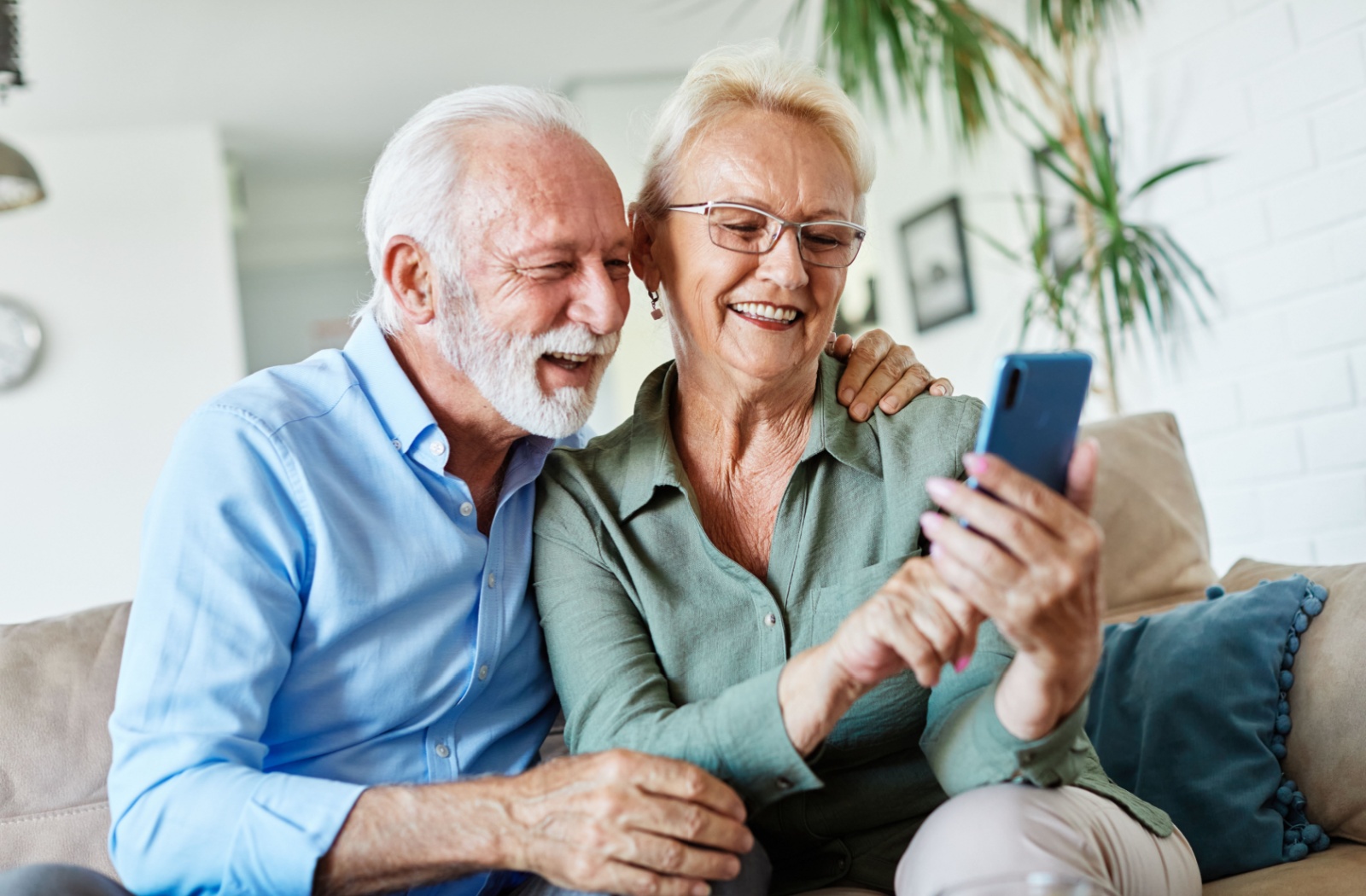
Staying connected is one of the most meaningful parts of life in assisted living. A dependable cellphone helps your loved one reach family members, share moments from their day, and feel supported as they settle into their new community. The right device can also reduce stress for families who want an easy, reliable way to stay in touch.
When choosing a phone for your loved one, it helps to focus on features that simplify daily communication. Large buttons, a bright display, clear sound, and emergency support tools can make it easier for older adults to stay confident and independent.
Key Takeaways
- Cellphones help seniors stay connected with family, maintain independence, and access help quickly when needed.
- Phones with large buttons, bright displays, clear sound, and simple menus are easier for older adults to use confidently.
- Safety features like one-touch emergency calling, GPS tracking, and medical information storage offer extra reassurance.
- Different phone types—flip phones, simplified smartphones, emergency devices, and accessibility-focused models—support varying needs.
- Preparing the device by adding contacts, adjusting settings, and reviewing key features helps seniors feel more comfortable using it.
Why Your Loved One Needs a Phone in Senior Living
In senior living, staying connected with family and friends becomes more important than ever. A cellphone bridges the gap between their new community and the people who matter most to them.
However, phones also support independence. Your loved one can call when they choose to, manage simple tasks like reminders or messaging, and enjoy the small daily freedom that comes from staying connected on their own terms. A cellphone gives older adults a familiar way to reach the people they care about most.
Emergency situations can happen anywhere, and a cellphone gives your loved one direct access to help when they need it most. Whether they’re in their apartment, walking through the community gardens, or participating in an outing, they can reach medical assistance or family members with just a few button presses.
Key Features to Look for in Senior-Friendly Phones
Choosing the right phone is easier when you know which features support comfort, clarity, and safety. A few thoughtful design elements can make everyday communication smoother for your loved one.
Easy-to-Use Design Elements
Many older adults feel more confident using a phone that’s built with clarity and simplicity in mind. Features that are easy to see and simple to operate can make the device feel more welcoming from day one. Look for:
- Large, clearly labeled buttons
- Bright, readable screen display
- Simple menu navigation with logical organization
These elements help reduce confusion and make calling or texting feel more intuitive.
Safety and Emergency Options
A phone with built-in safety tools can help your loved one feel secure wherever they are in the community. These options give families reassurance while still supporting independence. Look for:
- One-touch emergency buttons
- GPS location services
- Medical alert or medical information storage
Together, these tools provide quick access to care when it matters most.
Audio and Visual Accessibility
Clear communication depends on how well your loved one can see and hear their device. Phones designed for seniors often include adjustments that improve visibility and sound quality. These improvements support daily ease of use, especially in busy or bright environments. Look for:
- Loud, high-quality speakers
- Hearing aid compatibility
- High-contrast displays
With these options, calls and messages become easier to manage throughout the day.
Top Phone Options for Different Needs and Abilities
Every senior has unique preferences and comfort levels with technology. Fortunately, there are several types of phones that can support different needs.
Simple Flip Phones
Flip phones offer straightforward calling and texting without overwhelming features. The familiar design feels comfortable for residents who prefer traditional phones over modern technology. When closed, flip phones protect the screen and prevent accidental calls while your loved one moves around their assisted living community.
With long battery life and a sturdy build, flip phones are an excellent choice for people who want simplicity.
Smartphones with Senior-Friendly Interfaces
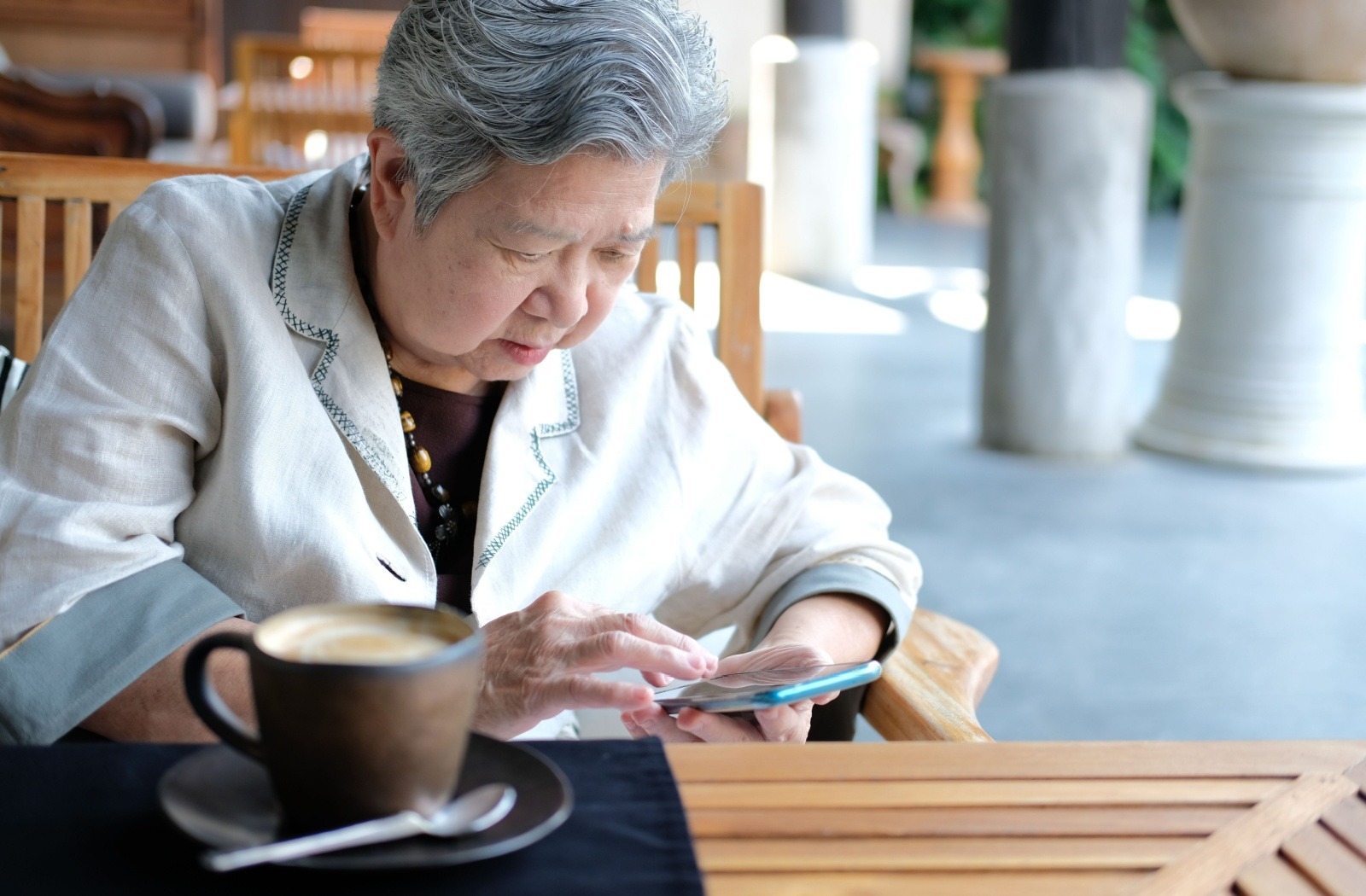
Some smartphones offer simplified home screens, large icons, and easy-to-use accessibility tools. These devices allow your loved one to video chat, send photos, or use basic apps without feeling overwhelmed. Many models also include voice-to-text, adjustable font sizes, and intuitive navigation settings.
For residents who want to explore digital activities and apps, these phones are a little more advanced. However, they can always be extremely rewarding due to their extra features.
Emergency-Focused Mobile Devices
Emergency-focused phones are built around safety. They often include large SOS buttons that connect directly to emergency contacts or services, as well as GPS tracking for added reassurance. These devices can store medical information and are ideal for seniors who benefit from more structured safety support.
These phones are particularly valuable if your loved one needs additional health support or emergency response.
Phones for Low Vision or Hearing Loss
Some devices are designed specifically for older adults with changing vision or hearing. These phones typically use extra-bright screens, amplified sound settings, or simplified displays to make communication more comfortable throughout the day. The focus is on minimizing strain so your loved one can enjoy clearer calls and easier navigation.
For seniors who rely on visual or audio clarity, these phones offer thoughtful adjustments that support confidence and ease of use.
Tips for Setting Up Your Loved One’s New Phone
Preparing the phone before your loved one begins using it can make the transition much smoother. A little thoughtful setup helps them feel confident, prevents confusion, and sets up the device to be ready for everyday use.
Try to:
- Program important contacts such as close family, friends, and doctors
- Add emergency numbers that can be reached quickly, even when the phone is locked
- Enter medical details when available
- Adjust basic settings like display brightness, text size, and volume
- Review simple features together
- Choose a service plan that matches how often your loved one will use talk, text, or data
Taking the time to personalize the phone helps your loved one feel more at ease and makes communication easier for everyone.
A Connected Life Awaits Your Loved One
The right cellphone can become a familiar, comforting tool that helps your loved one feel supported in their assisted living community. With user-friendly features and a design that meets their needs, communication becomes easier and more meaningful every day.
At Kingston Residence of Perrysburg, we’re here to help your loved one stay connected to the people who matter most. To learn more about our assisted living community and how we support residents and families, contact us today to book a tour. We’re only a call away.\